How to install
ICEbreaker | icemap.xyz
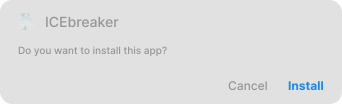
Follow the prompts to continue

.svg)
Already have an older version installed?
Uninstall it first, then continue with the steps below.
Uninstall it first, then continue with the steps below.

First Download & Install Zapstore
1
Download Zapstore & select Download anyway
Download Zapstore for your device from their website via the link below.
Download Zapstore for your device from their website via the link below.
.svg)
2
Open the downloaded file

3
Enable installing Unknown Apps via Browser
.svg)
4
Install & open Zapstore


Next, Download & Install ICEbreaker
1
Search for & install ICEbreaker via Zapstore
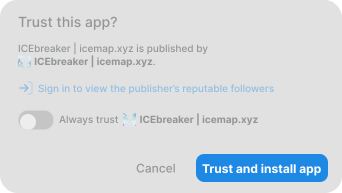
When prompted, click Trust and install app.
When prompted, click Trust and install app.
3
Enable installing Unknown Apps via Zapstore
.svg)
4
Install & open ICEbreaker